Most full color brochure printing jobs don't go wrong on the press. They go wrong on the spec sheet: a paper too thin for the fold, gloss lamination on a page full of small text, a logo blue that turns faintly purple because nobody asked for a proof.
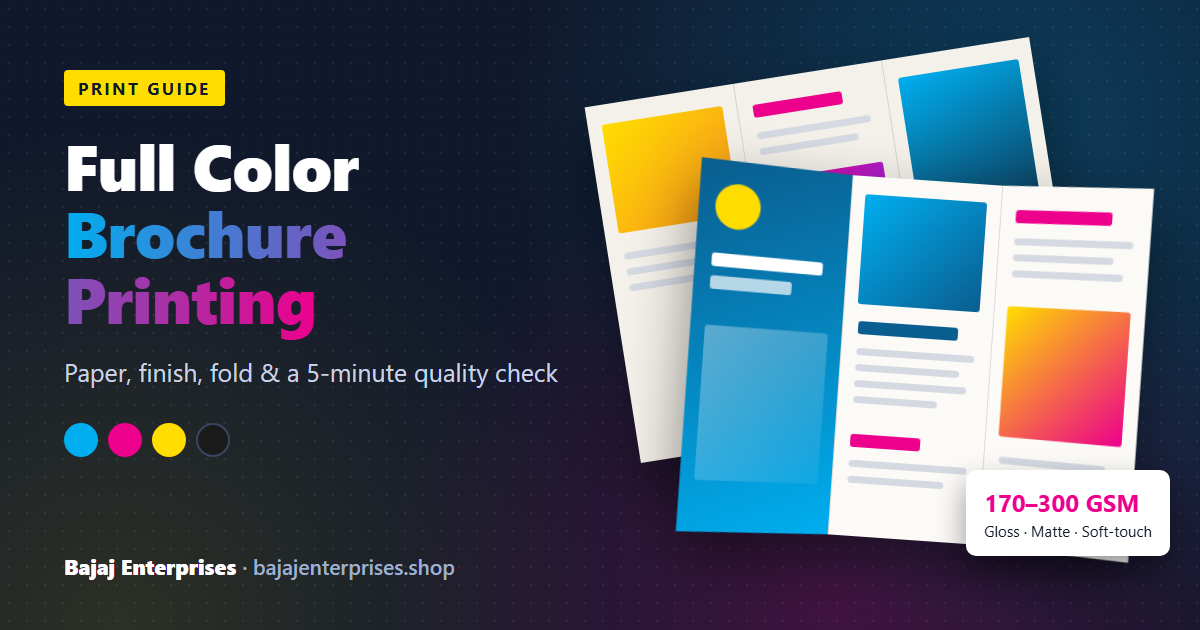
High quality brochure printing comes down to four things you can check yourself: coated art paper in the 170–300 GSM range, CMYK artwork at 300 DPI with 3 mm bleed, creased folds on heavier stock, and a physical proof approved before the full run. Get those right and the press does the rest.
That's the short answer. The rest of this guide is for business owners and marketing teams in Delhi NCR who have printed brochures before, weren't fully happy with how they came out, and want to know exactly what to ask for next time.
And yes, people still print them. India's commercial printing market is valued at USD 37.54 billion in 2026 and is forecast to grow at 2.76% a year through 2034, with advertising work (the category brochures sit in) making up about 32% of demand in 2025, according to IMARC Group. Slow, steady growth. Not a dying format.
What does "full color" actually mean, and why does your blue look different on paper?
Full colour printing means four-colour process, or CMYK: cyan, magenta, yellow and black inks laid down as tiny dots that your eye blends into every other colour. Your screen works differently. It mixes light (RGB), and it can show brighter blues, greens and oranges than four inks on paper can reproduce.
So when a design is built in RGB and converted at the last minute, the brightest colours shift. Electric blue goes duller. Neon green goes flat. That isn't the printer being careless; it's physics.
What you can do about it:
- Build the file in CMYK from the start, or at least convert it yourself and look at what changed before you send it. Our guide on how to make a brochure walks through the export settings.
- For large dark backgrounds, use a "rich black" (black plus some cyan, magenta and yellow) so it prints deep instead of washed-out grey. For small body text, stick to plain 100% black, because four inks on thin letters show even slight misalignment.
- If a brand colour has to match exactly, say so when you ask for the quote. Exact matching on a long run is an offset job, and it needs a proof.
[YOUR EXAMPLE: a client whose brand colour shifted between screen and print, and how the proof caught it]
Which paper should you choose? Match it to how the brochure will be used
Competitor pages list GSM options like a menu. That doesn't help much. Paper choice follows from one question: what happens to this brochure after it leaves your hands?
- 130 GSM gloss art paper — for bulk handouts at events or door-to-door drops, where you need thousands and most will be read once. It feels light. As a tri-fold, it's on the floppy side.
- 170 GSM — our default recommendation for A4 tri-folds that sit in a rack or get handed across a counter. It folds cleanly, stands up in a display stand, and doesn't feel cheap.
- 250–300 GSM — for bi-folds and anything that has to feel premium: real estate projects, hospitals, schools and colleges, corporate profiles. Heavier stock like this needs creasing before folding (more on that below) and usually looks best laminated.
Gloss, matte or soft-touch?
Photo-heavy brochure, with food, interiors or products? Gloss. It makes colours look more saturated.
Text-heavy brochure, with course details, medical services or price lists? Matte. Gloss throws back light, and a customer reading under a shop's tube lights will tilt the page to fight the glare. Matte doesn't do that.
Soft-touch lamination has a velvety feel that people notice the moment they pick it up. It's the one to choose when the brochure is part of a sales conversation, like a property launch or a premium clinic. One honest drawback: on large dark areas it shows fingerprints and scuffs more readily than gloss.
Uncoated paper deserves a mention too. Colours come out softer and more muted, but people can write on it with a pen. That makes it the right pick for order forms and registration sheets, and a poor one for photographs.
The fold is where cheap brochures give themselves away
Pick up a badly finished brochure and run your thumb along the fold. You'll feel it before you see it: a rough, cracked ridge where the coating and ink have split and white paper shows through.
This happens when heavier coated paper is folded without being creased (scored) first. The fibres on the outside of the fold have nowhere to go, so they break. It's worst when a solid dark colour runs across the fold line.
Two fixes. Ask whether your job will be creased before folding, and get a straight answer. And, if you have any control over the design, avoid running a heavy dark band exactly across the fold.
One more detail most people don't know: on a tri-fold, the panel that tucks inside must be slightly narrower, usually by 2–3 mm, than the other two. If all three panels are equal, the brochure won't close flat and the edge buckles. A good print shop will catch this at the file check. A cheap one will print it as sent.
Planning a bi-fold? An A4 sheet folded once gives you four A5 pages. Our explainer on A5 size and its uses in print design covers the exact dimensions.
Digital or offset printing: which one is your job?
Quantity decides this, not preference.
Digital printing suits short runs: 50 brochures for a seminar, 200 for a soft launch, a version for each branch with a different address. There are no plates to make, so setup is fast and small quantities stay affordable.
Offset printing wins on larger runs. It costs more to set up, but the cost per piece drops sharply as quantity goes up, and it handles large solid colours and exact brand colours better.
The crossover point, where offset becomes cheaper per piece, depends on size, paper and finish. [YOUR NUMBER: the approximate quantity at which offset beats digital on an A4 tri-fold at your press]. We run both in-house for our full color brochure printing, so we quote whichever one is actually cheaper for your quantity instead of pushing the machine that happens to be free.
A five-minute check to run when your brochures arrive
None of the ranking pages tell you how to judge a finished print job, so here it is. Do this on the first bundle you open, before the rest go out.
- Look at the smallest text up close. The edges should be crisp. Coloured fringes or blur around the letters mean the plates or heads were slightly out of register.
- Compare colour to the approved proof in daylight. Not under tube lights, which throw every colour off. Skin tones and your logo are the two things to check first.
- Run a fingernail along each fold. Smooth means creased properly. Rough or white-flecked means it cracked.
- Check the trim. Lay a few brochures on top of each other. The edges should line up and any border should look even on all sides. (Thin borders near the edge make small trimming variation obvious, which is why designers avoid them.)
- Rub the lamination on a dark area. Look for bubbles, cloudy patches, or film lifting at the corners.
- Fold one closed and set it on the table. It should lie flat rather than spring open.
If a brochure fails two or more of these, raise it with the printer before you distribute anything.
The artwork mistakes we keep seeing
Most reprints we're asked to do trace back to the file, not the press. The same five problems show up again and again:
- A logo copied from WhatsApp or a website: sharp on screen, pixelated at print size.
- Text placed within 3 mm of the trim edge, which then gets shaved off.
- No bleed, so a thin white line appears on one edge after cutting.
- Light grey 8-point text on a coloured background. It looked readable on a bright laptop screen and doesn't on paper.
- Three equal panels on a tri-fold (see above).
[YOUR EXAMPLE: a specific job where one of these errors was caught at proof stage, and what it would have cost if it hadn't been]
Every file sent to us gets a free digital colour proof before printing. Use it. Read it on paper if you can, and check the phone number twice.
What decides the price of a brochure?
We won't put numbers here, because a price without your exact spec is a guess. These are the things that move it, roughly from biggest effect to smallest:
Quantity, and whether it lands on digital or offset. Paper weight: 300 GSM costs noticeably more than 130. Lamination, especially soft-touch. Size and fold, since a gate-fold uses more paper and handling than a bi-fold. And turnaround: rush jobs cost more everywhere.
The cheapest way to cut cost without cutting quality is usually to drop one GSM step and keep the lamination, rather than the other way round. Lamination hides a lot; thin unlaminated paper hides nothing. For a written quote on your final artwork, see our brochure printing services in Delhi, or check the printing FAQ for how quotes and proofs work.
When a glossy brochure is the wrong choice
Buyers trust a printer who tells them when not to buy something, so here's our honest list.
Your information changes every month. Price lists, menus with seasonal items, batch timings. Print small digital runs, or use a single-sheet leaflet you can reprint cheaply. A thousand premium brochures with last quarter's prices are a thousand pieces of waste.
You have more than 8 pages of content. Once it grows past a folded sheet, you're really making a booklet or catalogue. Stapled (saddle-stitched) formats handle that better; look at magazine and catalogue printing, or book printing for a perfect-bound company profile.
You need 10 copies for a board meeting. Digital, unlaminated, 170 GSM, done the same day. Don't over-engineer it.
Print your brochure alongside your stationery, not separately
Something clients notice only after the fact: the blue on their brochure doesn't match the blue on their visiting card, because the two were printed at different shops, on different papers, months apart.
If you're refreshing your brand, print the set together, with the same colour settings and on stock from the same family. Order your brochures with your business cards and letterhead printing in one go, and the colours will line up across all of them.
Quick answers
What GSM is best for a tri-fold brochure?
170 GSM coated art paper for most tri-folds. Go to 250 GSM only if the brochure needs to feel premium, and make sure it's creased before folding.
How long does brochure printing take?
Typically 24–72 hours from approved proof, depending on paper, lamination and quantity. If you have a hard deadline, flag it when you ask for the quote. [CONFIRM: current standard turnaround]
Can I print a small quantity?
Yes. Digital printing makes short runs practical, and we have no fixed minimum order.
Your next step
Pick your paper by use (170 GSM for a rack tri-fold, 250–300 GSM laminated for a sales piece), export your file in CMYK with 3 mm bleed, and don't approve anything until you've seen a proof.
Then send us the PDF, or bring it to our print shop in Kalkaji, Delhi (F-3, Shop No. 6, Kalkaji Main Road; open Monday to Saturday, 10 AM–7:30 PM). Call or WhatsApp +91 95601 16005 and we'll tell you which paper, finish and press suit your quantity before you spend a rupee.
Frequently Asked Questions
170 GSM coated art paper suits most tri-fold brochures that go in racks or get handed out. For premium bi-folds, like property launches, hospitals or corporate profiles, use 250–300 GSM with lamination, and make sure it is creased before folding
Choose gloss for photo-heavy brochures, because it makes colours look richer. Choose matte for text-heavy brochures, because it doesn't reflect glare and is easier to read under shop lighting. Soft-touch lamination feels premium, but it shows fingerprints on large dark areas.
Brochure printing typically takes 48–72 hours after you approve the proof, depending on paper, lamination and quantity. If you have a fixed deadline, mention it when you ask for a quote.